
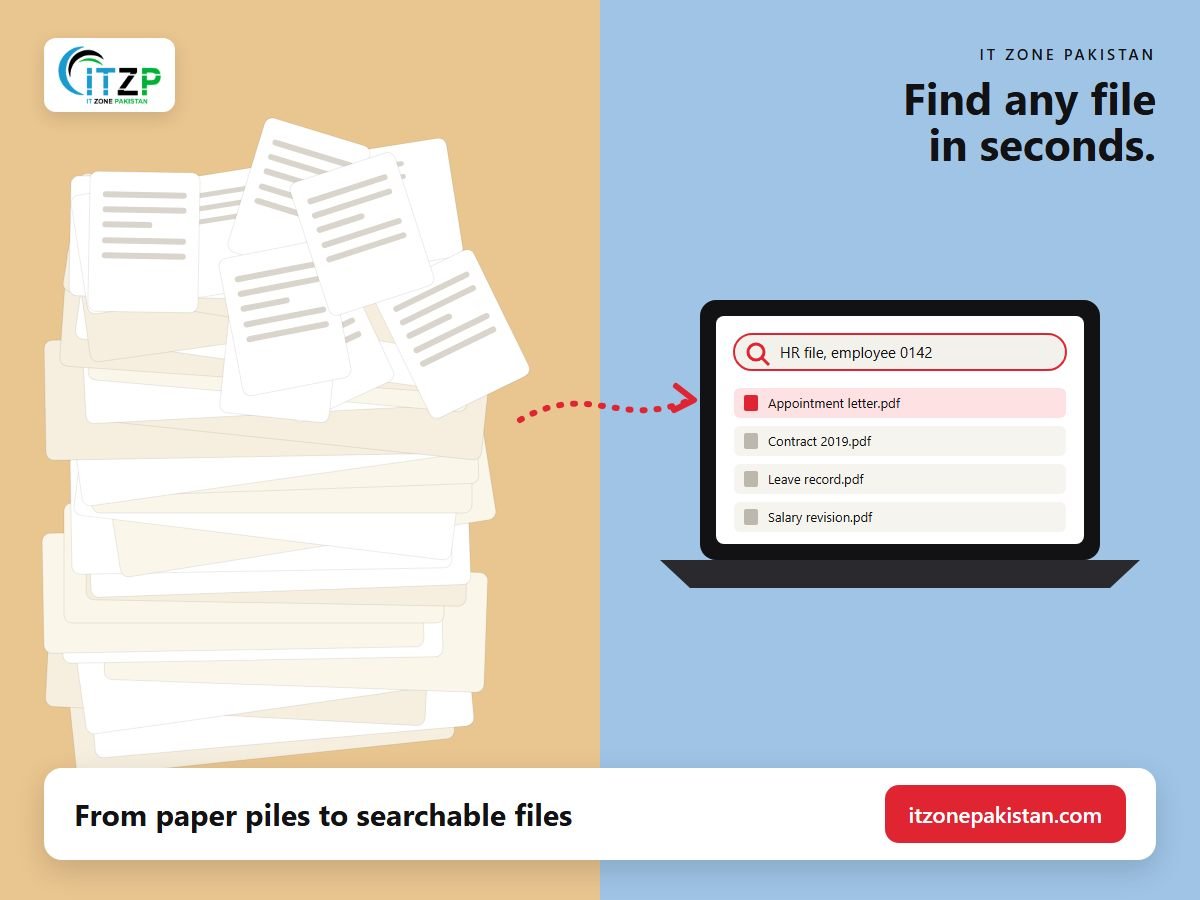
Few Pakistani offices can switch off paper overnight. Suppliers still send printed invoices and some approvals still need a signature. A paperless office is less about banning paper and more about making sure nobody has to search through it again.
Step 1: decide what stays paper
Some originals must be kept by law or policy. List them first, using a records retention schedule. Everything else is a candidate for scanning.
Step 2: scan the backlog
The record room is where paperless projects stall. Bulk scanning with OCR and indexing turns it into searchable files in weeks, not years. See how a bulk scanning project works.
Step 3: one home for every document
Scans saved to personal folders recreate the old mess digitally. Put them in a document management and retrieval system with libraries by department, OCR search and role-based access.
Step 4: move daily paper into the system
- Scan incoming documents on the day they arrive.
- Route approvals through approval workflows instead of desks and email.
- Use custom forms for requests that used to be printed.
Step 5: clear the paper safely
Once your retention rules allow it, destroy old paper securely by paper pulping or shredding, with a certificate of destruction. Never sell confidential files as raddi.
What changes once the system is in use
- Files found in seconds instead of hours.
- Approvals with a visible status.
- Rooms of cabinets freed for people.
Frequently asked questions
Can a Pakistani office really go paperless?
Mostly. Some originals must still be kept, but daily work can run on searchable digital files.
Where should we start?
With the documents staff search for most often, usually HR, finance or customer files.
Do we need a big IT team?
No. A DMS can run in the cloud or on your own server, with setup and training from our team.
Ready to start? Book a free DMS demo or scanning quote.