
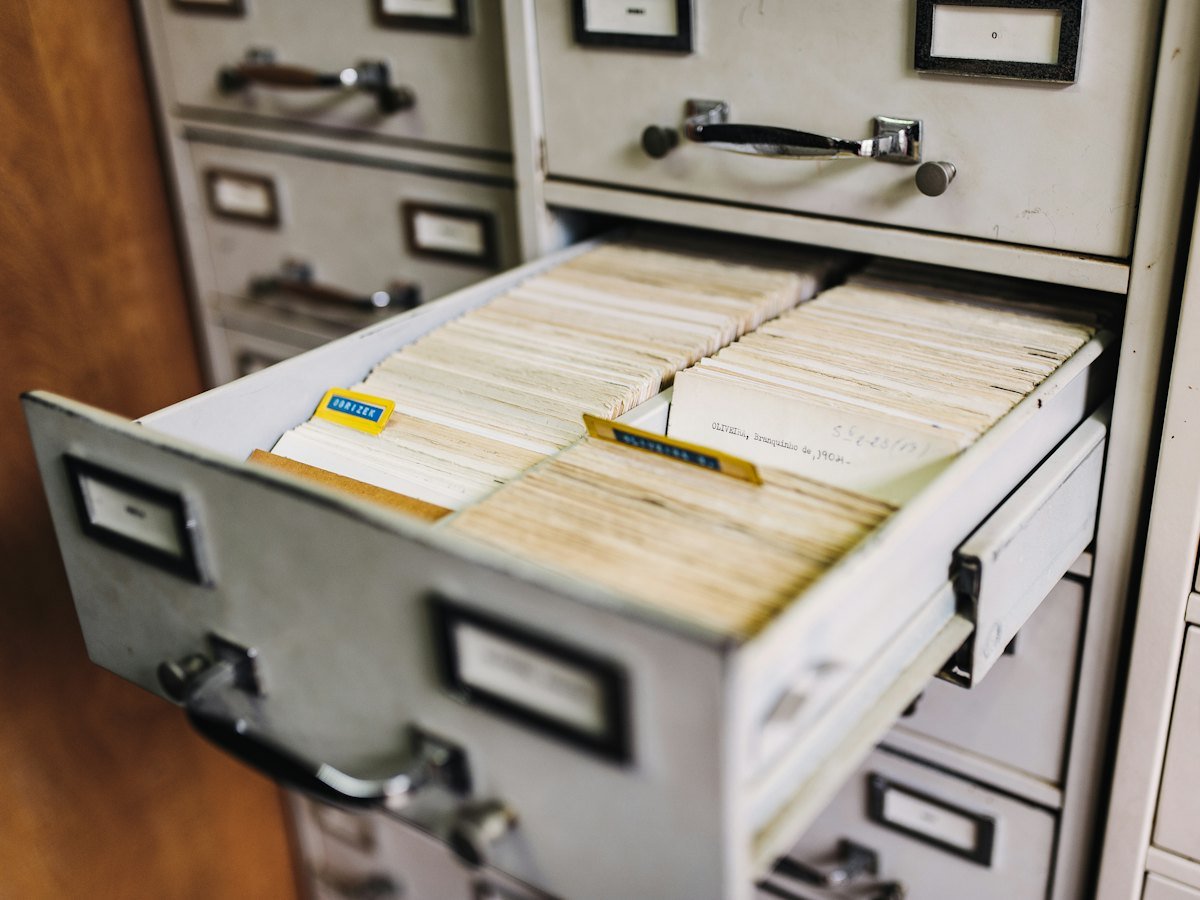
Most offices keep everything because nobody is sure what can go. Storage fills up, searching gets harder, and old records that should have been destroyed stay at risk. A records retention schedule fixes this by setting clear rules for each type of record.
What a retention schedule is
It is a table that lists your record types, how long each must be kept, who owns it, and what happens at the end: destroy, archive or review again.
Step 1: List your record types
Go department by department: HR files, contracts, invoices, tax records, board papers, customer files, project drawings. Group similar documents into record types.
Step 2: Set the keep period for each type
Keep periods come from laws, regulators, contracts and your own business needs. These differ by industry, so agree every period with your legal or compliance advisers. We can prepare a draft schedule for their review, but we do not give legal opinions.
Step 3: Decide when the clock starts
A keep period may start when a file is closed, a contract ends, or an employee leaves. Write the trigger down for each record type.
Step 4: Assign owners
Every record type needs an owner who approves disposal. Without owners, nothing is ever destroyed.
Step 5: Plan the end of life
- Destroy: securely, with a certificate.
- Archive: keep permanently, digitally or physically.
- Review: check again before deciding.
Step 6: Handle legal holds
If records are linked to a dispute, audit or investigation, they must not be destroyed even if their period has ended. Your schedule should explain how holds are placed and lifted.
Step 7: Make it run itself
In a document management system, each record can carry its retention category. The system lists expired records for review, and disposal batches need approval before anything is destroyed.
What a schedule looks like
A schedule is usually a simple table. The example below shows the columns only; the keep periods must come from your advisers.
- Record type: for example, employee files.
- Owner: for example, HR manager.
- Trigger: for example, the employee leaves.
- Keep period: as agreed with your legal or compliance advisers.
- End action: destroy securely, archive or review.
Common mistakes
- Writing a schedule that is so detailed nobody follows it.
- Forgetting electronic records and emails.
- No owner, so expired records are never reviewed.
- Destroying records that are under a legal hold.
Review it regularly
Laws, contracts and business needs change. Review the schedule at least once a year, and record who approved each change.
Learn more about ISO 15489, the international records management standard on Wikipedia.
Frequently asked questions
Does digitizing a record mean the paper can be destroyed?
No. Digitizing never by itself authorises destroying the original. Follow your approved schedule.
Who should approve the schedule?
Management, with your legal or compliance advisers.
Our records management service helps with classification, retention planning and authorised disposal.