
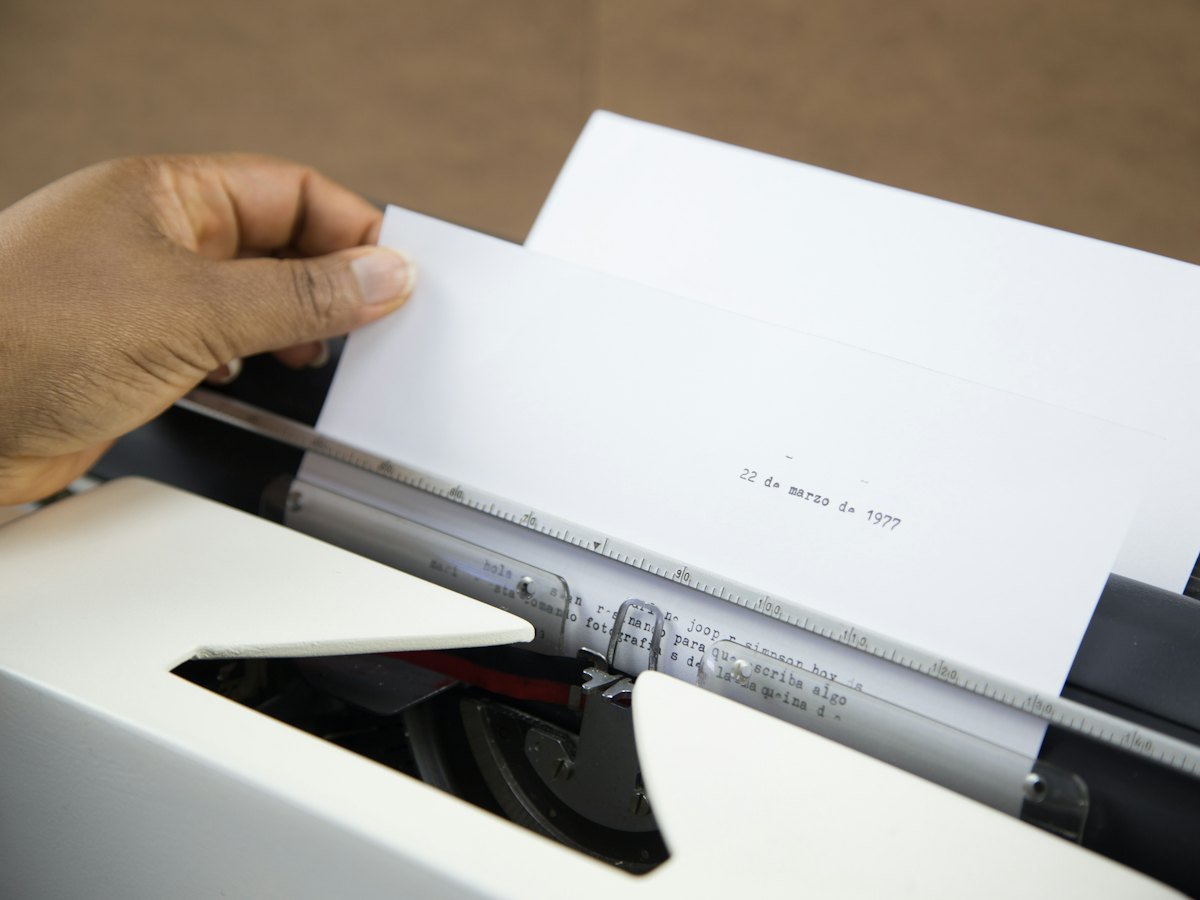
When a page is scanned, the result is an image. You can see the words, but a computer cannot search them. Optical character recognition, or OCR, reads the letters in that image and adds a hidden text layer. The page still looks the same, but now you can search it.
What a searchable PDF is
A searchable PDF holds two things: the picture of the original page, and the recognised text behind it. When you search for a name or a number, the software finds it in the text layer and highlights it on the picture. You keep the exact look of the original, signatures and stamps included, and gain full-text search.
How OCR works, in short
- The scanned image is cleaned: straightened, de-speckled and given better contrast.
- The software finds blocks of text, lines and individual characters.
- Each character is matched to a letter or digit, using language rules to correct mistakes.
- The recognised text is placed in an invisible layer exactly over the image.
What affects OCR accuracy
- Scan quality: sharp, straight scans at a suitable resolution read better.
- Paper condition: faded ink, stains and creases reduce accuracy.
- Print versus handwriting: printed and typed text reads well; handwriting is much harder.
- Language and fonts: unusual fonts and mixed languages need the right OCR settings.
OCR plus indexing
OCR lets you search every word. Indexing adds structured fields, such as employee number or case number, so you can filter and sort. The best archives use both: index fields for precise lookups and OCR for everything else. In our legal archive project, 58,723 pages of judgments and orders spanning more than 30 years were made searchable with OCR.
Where OCR text is used
In a document management system, OCR text powers full-text search across departments. A user types a few words, results appear, and the right file opens with the match highlighted.
How to check OCR quality
- Pick a few pages from each batch, including the worst-looking ones.
- Search for names, numbers and words you can see on the page.
- If searches miss, check whether the scan is skewed, too light or too low in resolution.
- Rescan problem pages rather than accepting poor text.
Mixed languages and stamps
Many Pakistani office documents mix English with Urdu, and carry stamps, signatures and handwritten notes. OCR handles printed English well. Urdu script and handwriting are harder to read reliably, so for these documents good index fields matter even more. The scan itself keeps every stamp and signature exactly as it appears on paper.
Why OCR changes how teams work
Without OCR, people must remember where a document was filed. With OCR, they only need to remember something that was written in it: a client name, a reference number or a phrase. That is the difference between a digital filing cabinet and a searchable archive.
Learn more about optical character recognition on Wikipedia.
Frequently asked questions
Can OCR read handwriting?
Printed text reads well. Handwriting is far less reliable, so handwritten records usually need good index fields.
Does OCR change the original scan?
No. The image stays the same; the text is added as an invisible layer.
Can old scans be OCRed later?
Yes. Existing image-only PDFs can be processed with OCR to make them searchable.
Our document scanning service delivers searchable PDFs with OCR and indexing as standard options. Ask for a free quote.