
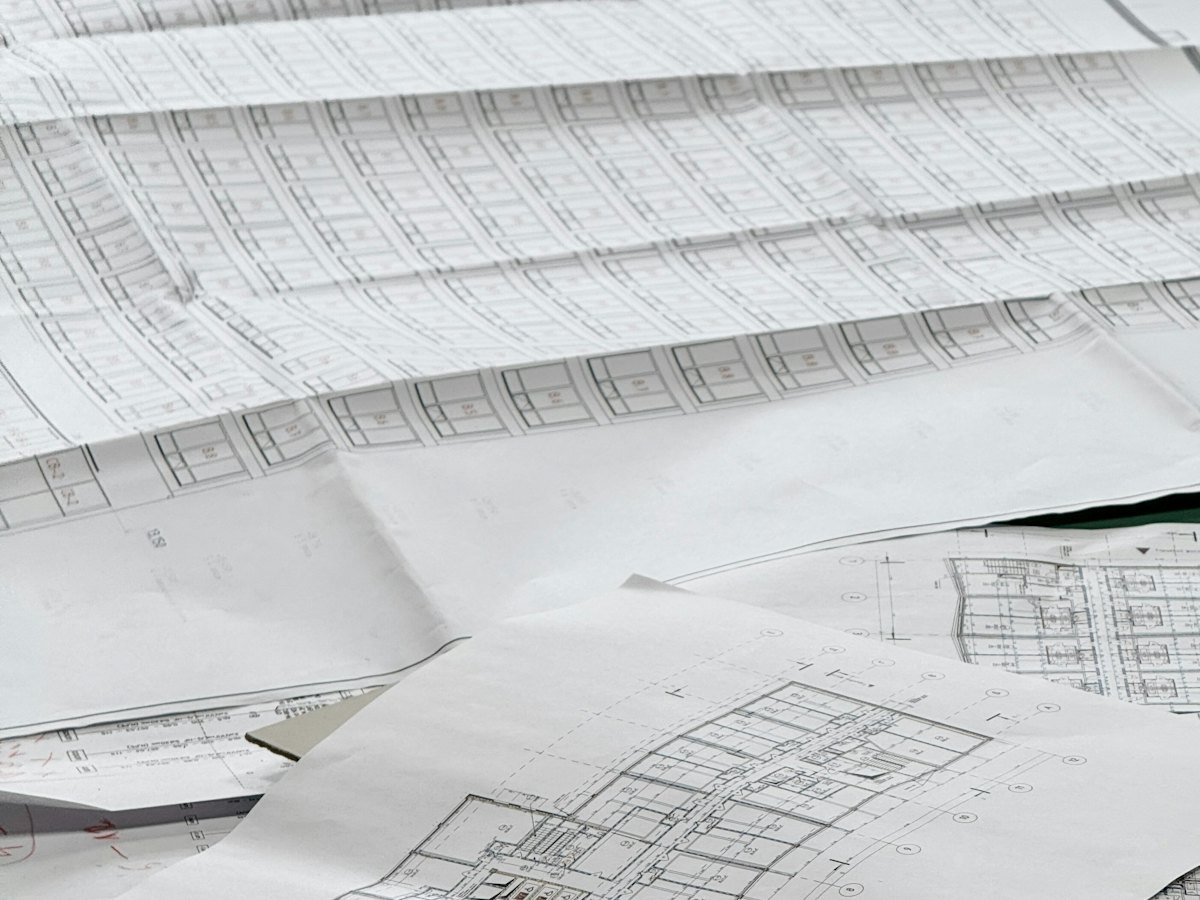
Architecture plans, engineering drawings, site maps and survey sheets are often the most valuable papers an organisation owns, and the most fragile. They tear at the folds, fade in sunlight and are hard to copy. Large format scanning creates accurate digital copies that can be viewed, printed and shared without touching the originals again.
What counts as large format
Anything bigger than a normal office scanner can handle: A3 and above, including drawings up to A1. Rolled drawings, folded maps and blueprints all need large format equipment and careful handling.
Handling fragile drawings
- Unroll and flatten drawings gradually, never forcing old paper.
- Repair tears before scanning where possible.
- Scan in colour where colour carries meaning, such as zones or revisions.
Resolution and detail
Drawings hold fine lines and small text. A higher scanning resolution keeps dimensions and notes readable when zoomed in. Agree the resolution and colour settings before the project starts.
File formats
PDF is easy to share and view. Many teams keep PDF for daily use and a high-quality image format for archive purposes. If you plan to trace drawings into CAD later, mention it so the scans suit that work.
Index drawings so engineers can find them
Useful index fields include project name, drawing number, revision, discipline (civil, electrical, mechanical), date and location. With these, a team can find the latest revision in seconds.
Store and share safely
Upload the scanned drawings into a document management system with project libraries and access control, so contractors see only what they need.
Preparing a drawing archive
- Sort drawings by project before scanning, and remove duplicates.
- Note the latest revision of each drawing so it can be marked clearly.
- Keep rolled drawings rolled until the scanning team flattens them.
- List any drawings that must be returned to site quickly.
Using the scans every day
Once scanned, drawings can be viewed on a laptop or tablet on site, shared with consultants without sending originals, and printed again when a copy is worn out. Engineers stop waiting for the one paper set that someone else borrowed.
Mistakes to avoid
- Scanning at a low resolution that makes dimensions unreadable.
- Mixing old and current revisions without marking them.
- Folding originals again after scanning; store them flat or rolled.
Learn more about image scanners on Wikipedia.
Frequently asked questions
What is the largest size you can scan?
We scan documents from A7 up to A1, in colour.
Can you scan bound or rolled drawings?
Rolled and folded drawings are flattened and scanned carefully. Bound sets are assessed first so they are not damaged.
Ask our document scanning service about your drawing archive, or request a quote.