
+92 314 4166 777 Free quote

•Document Scanning & Digitization Services · 26 November 2026 · 1 min read

How to Scan Old, Fragile and Bound Documents Without Damage

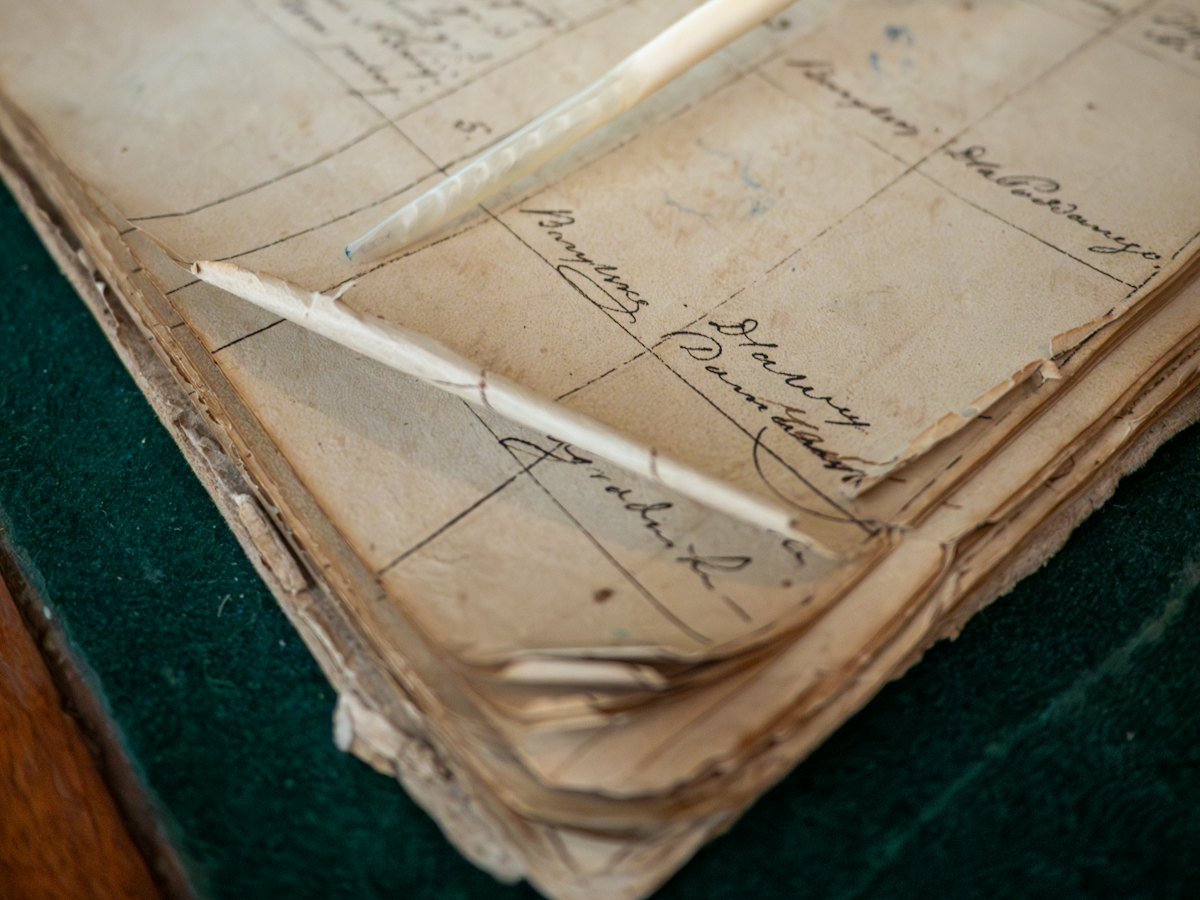
An old handwritten ledger
Photo: @cameraobscura2000 on Unsplash

Records that have sat in racks for decades are often brittle, folded, stained, tied with string or bound into thick registers. They are also the records most worth saving digitally, because every handling wears them further.

Before scanning: preparation

  • Remove staples, pins, clips and file tags by hand, slowly.
  • Untie thread-bound files only where needed, keeping the order.
  • Flatten folded and creased pages.
  • Set aside torn pages so they are handled separately.
  • Note anything missing or damaged before scanning starts.

Bound registers and ledgers

Bound registers should not be forced flat. They are opened gently and scanned page by page, in order. Large registers and drawings up to A1 need a large format scanner. See large format scanning.

Scan settings that help

  • Colour scanning keeps faded ink and stamps readable.
  • A higher resolution helps with small or faint text. See the resolution and format guide.
  • Avoid automatic feeders for fragile pages.

After scanning

Check every image for missing or unclear pages, rescan where needed, then return the paper in its original order. Make the files searchable with OCR where the text allows.

Frequently asked questions

Can very old files be scanned?

Yes. Stapled, tagged, thread-bound, folded and fragile files are prepared carefully before scanning.

Will scanning damage our registers?

Careful handling and page-by-page scanning keep the risk low. Fragile pages are not put through feeders.

Should we destroy the originals afterwards?

Only if your retention rules allow it. Historic records are often kept permanently.

See our document scanning services or ask for a quote.

Back to blog

•Document Scanning & Digitization Services

More in Document Scanning & Digitization Services

All in this category

Document Digitization Services in Pakistan: What You Get

Document digitization turns paper records into searchable digital files: files are prepared, scanned, checked, made searchable with OCR and indexed by the fields your team searches with, then delivered for a shared drive or a DMS.

Digitizing Student and Examination Records for Universities

Universities digitize student, admission and examination records by scanning them on-site, indexing each file by roll number, programme and year, and storing them in a searchable system with role-based access.

Digitizing Government and Public-Sector Records in Pakistan

Public bodies digitize files and registers by scanning them on-site in their original order, indexing by file number, subject and year, and storing them in a searchable archive with access by role and clear retention rules.

Document Indexing: How to Name and Tag Scanned Files

Indexing gives each scanned file the fields people search with, such as employee number, account number, case number and date, plus a consistent file name. Combined with OCR, it lets anyone find a document in seconds.

Scanning Resolution and File Formats: A Plain Guide

For most office documents, around 300 DPI gives clear, OCR-friendly scans; small or faint text and drawings may need more. Searchable PDF suits everyday use; agree the format and colour mode before a project starts.

On-Site vs Off-Site Document Scanning: Which Is Right?

On-site scanning keeps files in your building and suits confidential records; off-site scanning with secure transport suits very large archives and frees your office. Many projects use both.

Document Scanning Tender Checklist for Pakistani Organisations

A good scanning tender states the volume and condition of records, preparation, scanning settings, OCR, index fields, on-site or off-site work, security, delivery format, timelines and how quality will be checked.

How to Scan Confidential Documents Safely

To scan confidential documents safely, keep the files in your building with on-site scanning, list every file, limit who handles them, control access to the PDFs and destroy the paper securely only when your rules allow.

01 / 08

→Start a project

Ready to clear the cabinets?

Tell us how many files you have. We will come back with a plan and a quote.