
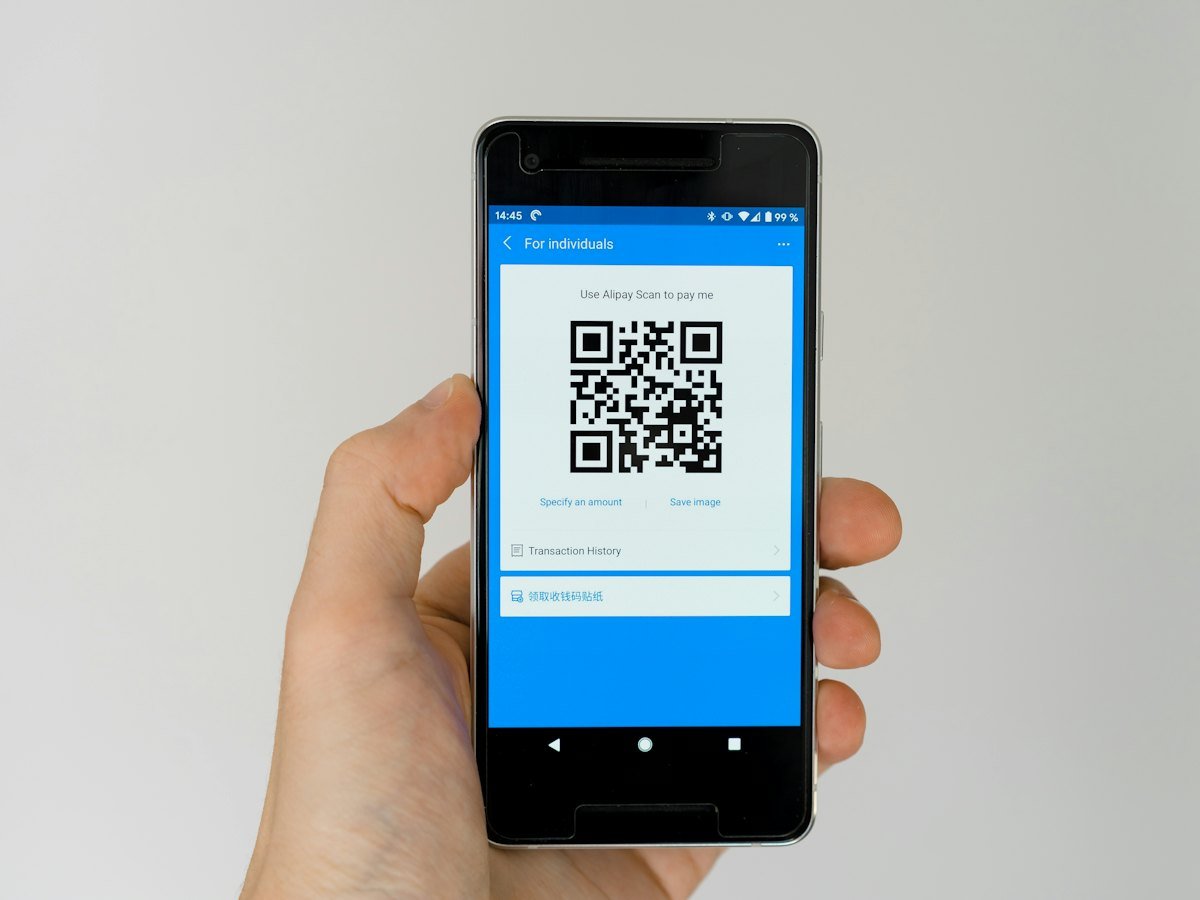
Laptops, furniture, vehicles, machines and tools are worth a lot, but many organisations cannot say exactly where each one is. Asset tagging with QR codes connects every physical item to its record, so you can find it, check it and report on it.
Step 1: Build the asset register
List each asset with category, location, department, purchase date, value and warranty details. Add custom fields for anything else you track, such as serial numbers.
Step 2: Label every asset
Print a QR label for each asset and fix it where it is easy to scan but hard to damage. A good label holds only a code; scanning it opens the asset record after sign-in, so a label on its own reveals nothing.
Step 3: Assign custodians
Every asset should have a custodian: the person responsible for it. When someone joins, moves department or leaves, you can see exactly what they hold.
Step 4: Plan maintenance
Add preventive maintenance schedules and log repairs as work orders. Equipment lasts longer and warranties are used before they expire.
Step 5: Run stock-takes by scanning
Instead of ticking printed lists, staff walk the floor and scan each label. Missing items show up at once, and the register stays accurate.
Step 6: Report
Export the asset register for finance and auditors whenever needed, and use a dashboard for the big picture.
Where to place the labels
- Laptops and monitors: on the underside or back, away from heat.
- Furniture: on a hidden but reachable surface, such as under a desk edge.
- Machines: near the manufacturer plate, away from moving parts.
- Vehicles: inside the door frame or on the dashboard area.
A rollout plan
- Import existing records into the asset register.
- Print labels for one location and tag everything there.
- Fix any items that were missing from the register.
- Repeat location by location.
- Assign custodians and set maintenance schedules.
Mistakes to avoid
- Labels placed where they wear off or cannot be reached.
- Tagging assets but never updating the register when they move.
- Leaving custodians blank, so nobody is responsible.
Learn more about QR codes on Wikipedia.
Frequently asked questions
Can QR labels be scanned with a phone?
Yes, a phone camera can scan them; the asset record opens after sign-in.
What about old assets we no longer use?
Retire them in the register. For old computers and IT equipment, see our computer scrap buying service.
See our Asset Management Software and book a free online demo. Also read how to find ghost assets.